









Essential Computer Accessories: Mouse, Keyboard, and Monitors
Introduction
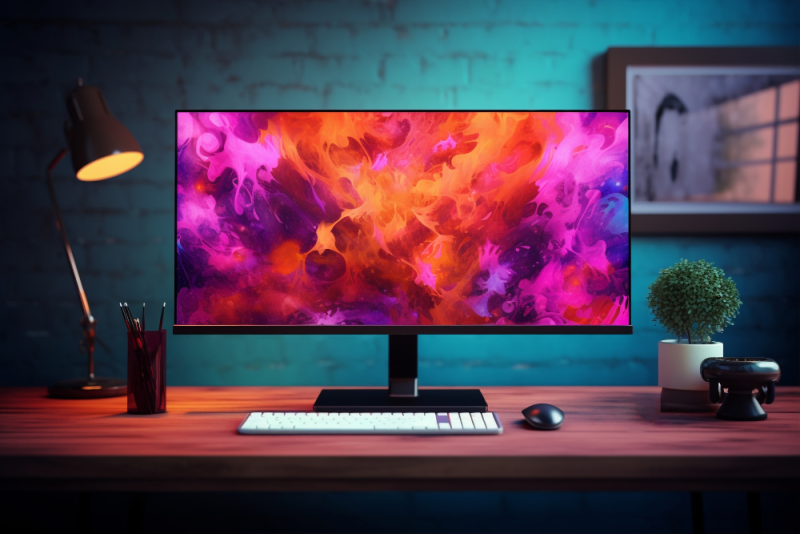
The computer experience heavily depends on the accessories you use. Mouse, keyboard, and monitors play a crucial role in productivity, gaming, and comfort while working.
Mouse and Keyboards
- Mouse: Choose a comfortable mouse that supports programmable buttons for gaming or office tasks.
- Keyboards: Ranges from mechanical to membrane, with backlighting for gaming or comfortable night use.
- For office use, lightweight and quiet accessories are preferred, while gaming requires high performance and fast response.
Monitors
- IPS monitors provide accurate colors and wide viewing angles, suitable for designers.
- QHD or 4K monitors enhance gaming and immersive viewing experiences.
- Refresh rate 120Hz or higher ensures smooth motion in games.
- Curved monitors offer eye-comfortable viewing experience.
Tips for Comfort and Productivity
- Choose ergonomic accessories to avoid hand and wrist pain.
- Place the monitor at eye level to prevent neck strain.
- Use adjustable monitor stands or keyboards according to your needs.
Conclusion
Choosing the right accessories significantly enhances the computer experience, whether for office work, gaming, or design. Investing in a quality mouse, keyboard, and monitor provides long-term comfort and performance.